Social media allows you to stay connected to people that you don’t get to see all of the time, and for that, it is a great thing. Family photos are easily shared, groups of like-minded people are able to gather together and share thoughts and ideas, and events are marketed to the masses for better visibility.
With each of these occurrences, personal information is shared with individuals that you have deemed trustworthy and deserving of insight into your life. But what about the people you don’t know and who have insight as well? Friends of friends…strangers who gain access without you even realizing that they can see your child’s school photos. Aside from staying off of social media altogether, how do you mitigate the risk?
There are a few tips and strategies that will help to reduce unintended exposure online.
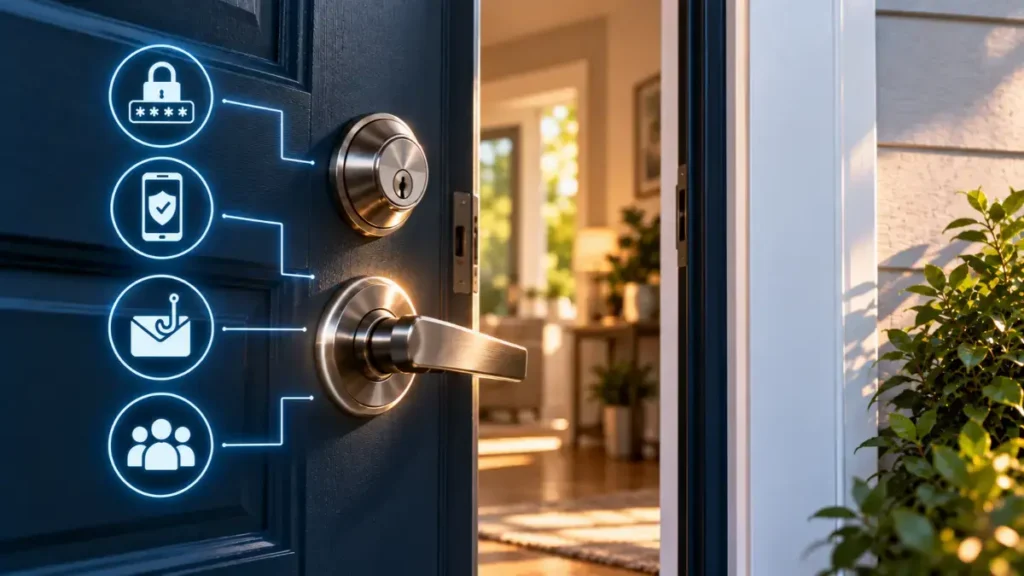
- You’re the problem. I know, it’s hard to believe, but human error accounts for the majority of accidental exposure – and think about it, if it isn’t you, it’s your connections and coworkers. That being said, don’t put it out there if it isn’t something, you’d be comfortable with the entire world seeing.
- Third party apps. Every time you download an add-on app for your main social media accounts, you are allowing access through that app to your information. Is that “repost” software secure? Is the photo filtering program really worth it?
- Phishing attacks and scams. These will trick you into providing additional personal information that will then be used to gain further access or allow for fraudulent activity against your name. Celebrities may be used in the content in order to gain trust from the general public. Scandalous headlines are posted with an image of a well-known figure, you click on it and you’re taken to a site that is damaging to your computer or account.
- Fake Accounts. With all of the information made readily available, fake accounts can be easily created with personally identifiable information to validate them. You unwittingly accept and interact with this person, not knowing that they are actually a hacker.
- Privacy Settings. Have you checked yours lately? The default settings are generally not the most secure. It is important to do this regularly.
- Unsecured devices. If you log in using your phone, a public computer, or a work computer, you are allowing easy access to your accounts. Don’t use these devices for your social media and you can lessen the risk of exposure. Ensure that your phone is not set up for automatic access if it is lost.
Cybercriminal activity is forever changing, becoming more and more sophisticated with every passing day. With that in mind, you need to evaluate your own security regularly to avoid exposure. These are not the only ways that you can take action, but they are a good starting point.