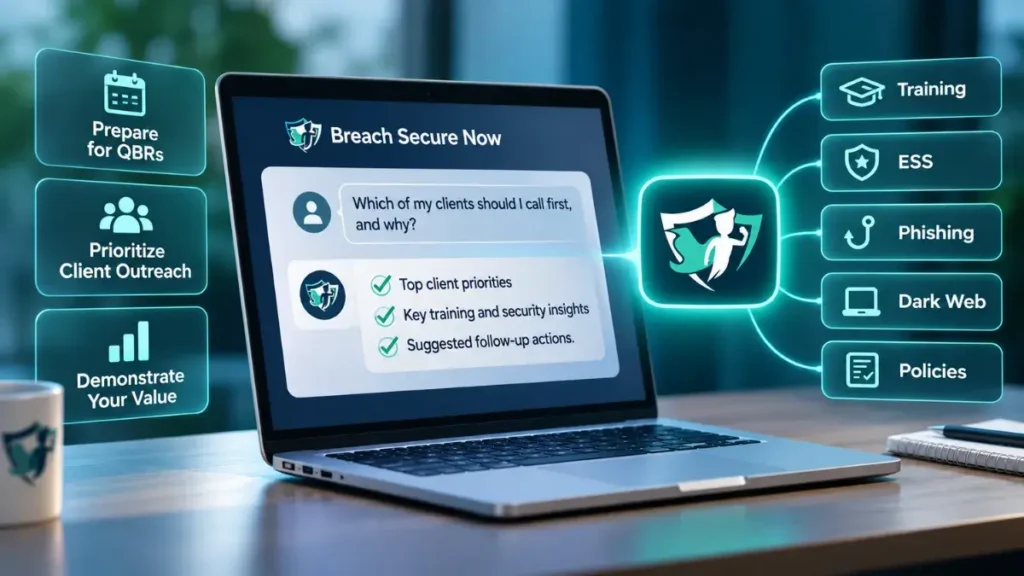
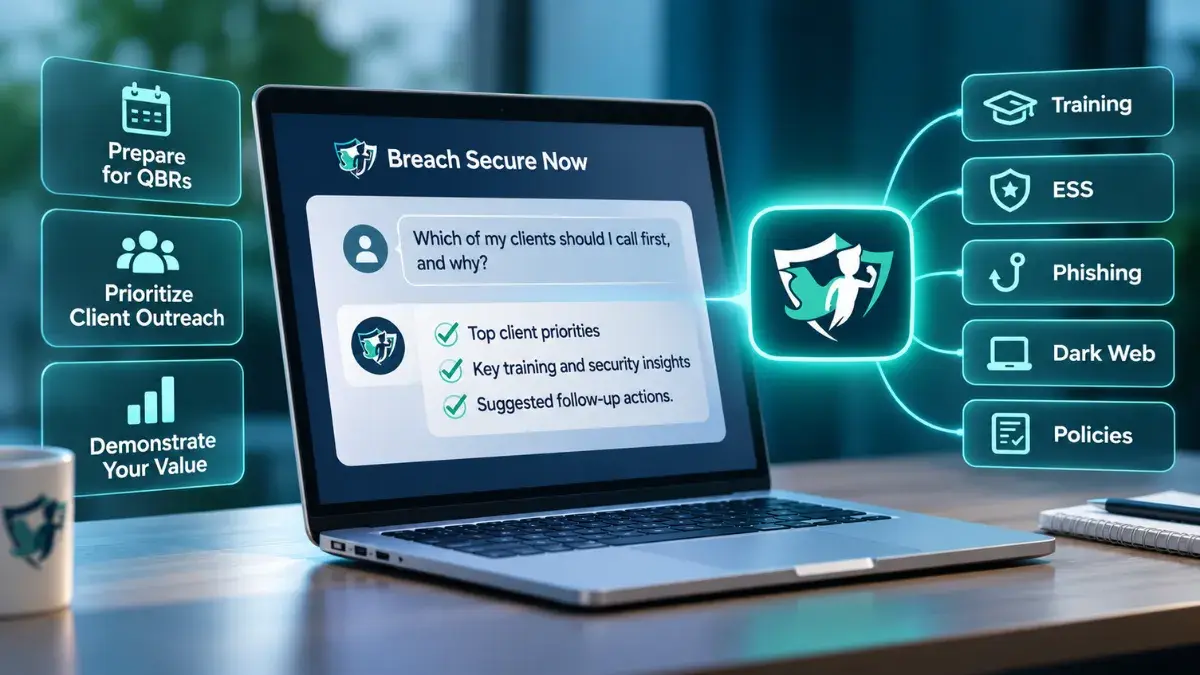
Your clients’ security and training data can now do more than sit in a report. With the Breach Secure Now MCP, MSPs can bring valuable client insights into the AI tools they already use.
Managed Service Providers (MSPs) rely on data to understand client needs, demonstrate the value of their services, and identify opportunities for improvement. But gathering information across multiple client accounts, reviewing reports, and preparing for Quarterly Business Reviews (QBRs) can take valuable time.
What if you could simply ask an AI assistant which clients need attention, how their security awareness programs are performing, or what information you should review before your next client meeting?
With the introduction of the Breach Secure Now Model Context Protocol (MCP) connection, you can.
The Breach Secure Now MCP connects authorized BSN Portal data to familiar AI tools, including ChatGPT, Claude, and Microsoft Copilot. This allows MSPs to ask questions in everyday language, access relevant client metrics, and turn existing program data into actionable insights.
What Is the Breach Secure Now MCP?
MCP stands for Model Context Protocol, a technology standard that allows AI assistants to connect with external platforms and retrieve information.
Think of it as a bridge between your AI assistant and the Breach Secure Now Portal.
Normally, an AI assistant doesn’t have access to your clients’ security awareness training results, phishing metrics, or Employee Secure Scores. The Breach Secure Now MCP provides a secure, permission-based connection that allows the assistant to retrieve authorized information from the BSN Portal.
Rather than manually gathering data from multiple reports, you can ask questions directly within your preferred AI tool.
For example:
- “Which of my clients should I call first, and why?”
- “Build a QBR summary for this client using available security and training data.”
- “Which clients have security awareness training that needs attention?”
Your AI assistant can use the available information to generate summaries, identify areas worth reviewing, and suggest potential next steps.
Importantly, the Breach Secure Now MCP provides read-only access to authorized Portal data. It does not modify training records, change account settings, or perform actions within the BSN Portal.
Turn Client Data Into Meaningful Action
For MSPs managing multiple client organizations, having access to information is only part of the equation. The real value comes from knowing what that information means and how to use it.
The Breach Secure Now MCP helps partners put their existing program data to work in three practical ways.
-
Know Which Clients Need Attention
When you’re managing dozens of client accounts, knowing where to focus your attention isn’t always straightforward.
With the Breach Secure Now MCP, you can ask your AI assistant to review available security awareness and training indicators across your managed clients.
By examining information such as training completion, Employee Secure Score (ESS), and aggregate phishing failure rates, your AI assistant can help identify accounts that may warrant additional follow-up.
Instead of spending time reviewing each client individually, you can begin with a clearer understanding of where your attention may be most valuable.
-
Prepare for More Productive QBRs
Quarterly Business Reviews provide an opportunity to demonstrate the value of your services, discuss client progress, and identify areas for improvement.
However, preparing for those conversations often involves gathering information from multiple sources and determining which metrics are most relevant.
The Breach Secure Now MCP makes it easier to bring available client information together.
Ask your AI assistant to create a client summary using available security training, phishing, Employee Secure Score, policy acknowledgment, and dark-web indicators.
Use that information to guide conversations around employee engagement, security awareness performance, and potential next steps.
The result? Less time gathering information and more time preparing for meaningful client discussions.
-
Demonstrate the Value of Your Services
Your clients want to understand how their investments in employee security awareness and training are making a difference.
The Breach Secure Now MCP helps you use existing program data to support those conversations.
Whether you’re reviewing training participation, discussing phishing simulation results, or highlighting changes in Employee Secure Score, you can bring relevant information into client discussions through the AI tools you already use.
This creates opportunities to demonstrate progress, identify gaps, and reinforce the ongoing value of your services.
Rather than simply presenting another report, you can use the information to support a more productive conversation about your client’s security awareness program.
What BSN Portal Data Is Available?
The Breach Secure Now MCP currently provides access to authorized information across several areas of the BSN Portal, including:
- Security Awareness Training: Review available training completion and participation information.
- Employee Secure Score (ESS): Access security awareness performance indicators, including available six-week ESS history.
- Phishing: Review aggregate phishing failure rates and related indicators.
- Dark-Web Indicators: Access available information associated with dark-web monitoring.
- Policy Acknowledgment: Review available policy acknowledgment information.
Access is determined by your BSN account permissions. MSP partner administrators can retrieve authorized information for client organizations associated with their partner account.
The MCP does not provide unrestricted access to client information or other partners’ accounts.
Get Started with the Breach Secure Now MCP
Your BSN Portal already contains valuable information about your clients’ employee training and security awareness programs.
The Breach Secure Now MCP makes that information easier to put to work.
Whether you’re preparing for your next QBR, reviewing client performance, or deciding where to focus your outreach, you can now bring authorized BSN Portal data into the AI tools you already use.
Getting started is simple:
- Open the Breach Secure Now MCP setup guide in the BSN Help Center.
- Add the Breach Secure Now connection within your supported AI assistant.
- Sign in with your BSN credentials to connect your account.
Ready to put your BSN Portal data to work?
[Connect the Breach Secure Now MCP]
For setup assistance or questions about the integration, contact your Breach Secure Now Partner Success Manager.