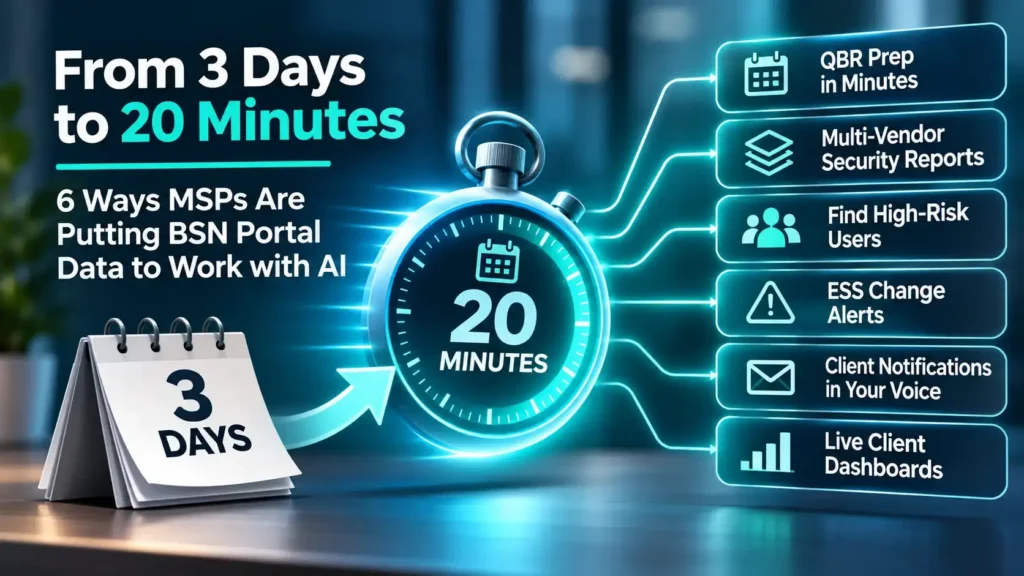
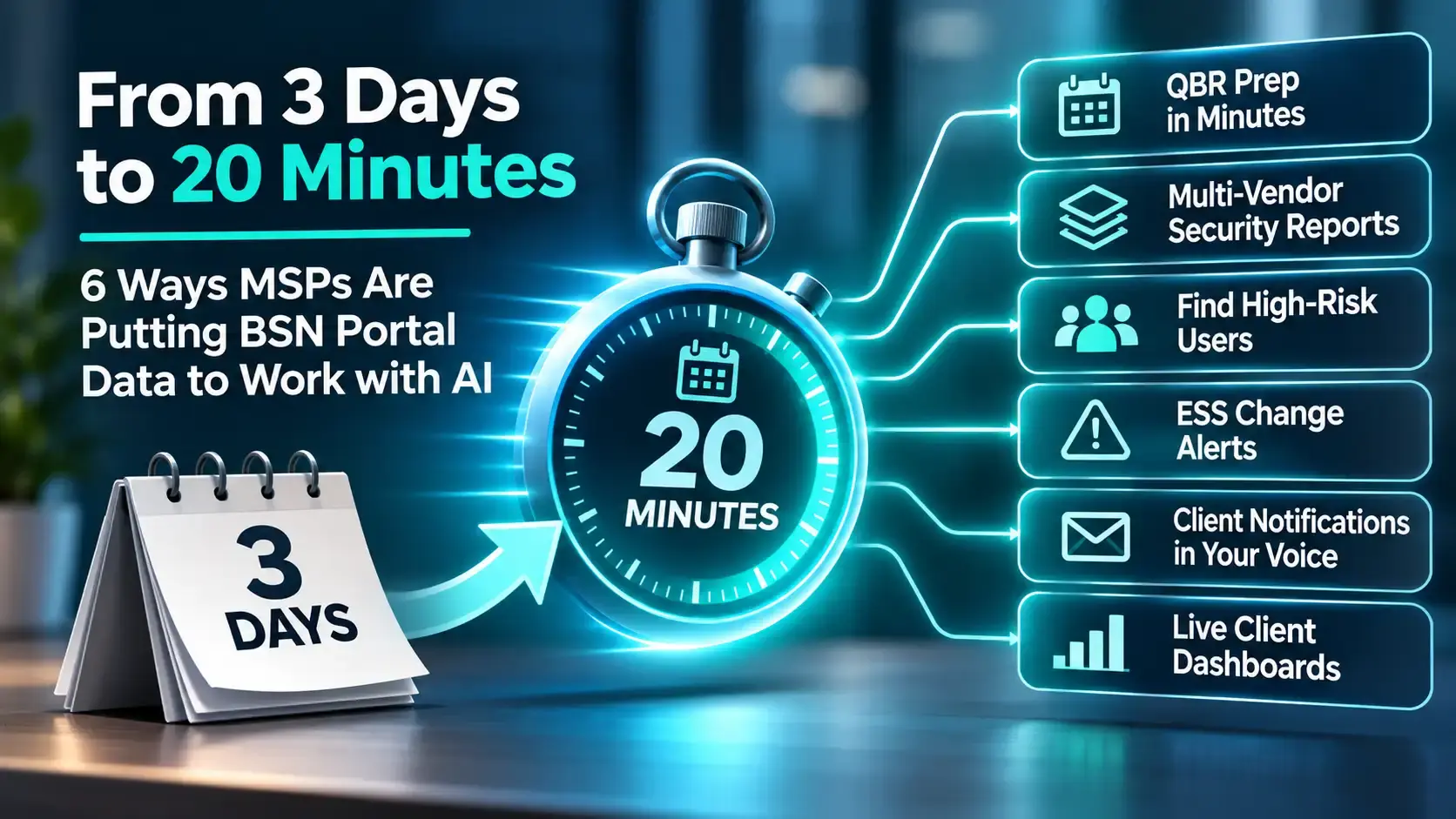
One of our early-access partners used to spend three days building a security report for each client. They pulled data from five different security tools, then stitched it into a deliverable by hand.
Today they do it in about 20 minutes. They connected those tools to their AI assistant through MCP connections and let the AI do the gathering.
That’s the real promise of the Breach Secure Now MCP. Connecting it is step one. The value comes from the workflows you build on top of your BSN Portal data. Here are six that MSPs are building right now, plus prompts you can try today.
1. Prep a QBR Before Your Coffee Gets Cold
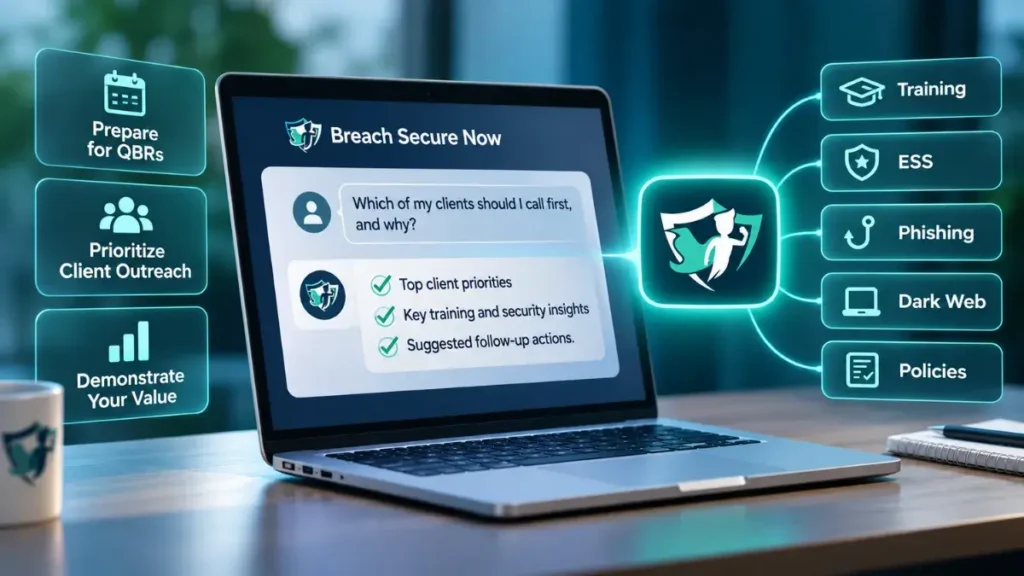
This is the most common starting point, and for good reason. In a live demo, we ran three prompts in a row:
- “Show me my BSN clients.”
- “Show me [client name].”
- “Help me prepare for a QBR.”
Within a minute, the AI pulled the client’s security posture and wrote a briefing: how many users were active, how many sat below the ESS threshold, who had failed phishing simulations, and where training had stalled. For one sample client, it flagged that the program had been purchased but never really launched. Every user was rated high risk.
That’s the kind of finding you want in hand before you walk into the room.
Once you like the output, schedule it. Most AI tools now let you run a prompt on a schedule, so a QBR prep for every client can land in your inbox at the start of each quarter.
2. Build One Security Report from Every Tool You Own
Your clients don’t think about security one vendor at a time, so your reports shouldn’t either.
One partner runs a Copilot agent that pulls from their RMM, their PSA and roughly eight other platforms. Their customer success lead describes it like this: “I go into Copilot and I go to my QBR agent and I say, build me a QBR for XYZ company… about 20 minutes later, it spits it out and sends it to me in an email.”
Adding BSN Portal data brings the human layer into that report: ESS, training completion, phishing results, dark-web exposure and policy acknowledgment, right next to endpoint and ticket data. One report shows the client how protected their people are, along with the state of their machines.
3. Find Your Riskiest Users Every Monday
“Give me a top 10 list of the riskiest users at this client.” A partner asked us whether that was possible on our very first call. It is, and you can cut it by client or across your whole book.
Several partners are turning that question into a routine:
Every Monday at 8:00 AM, check all of my BSN clients. List any users with a high-risk ESS, grouped by client. Draft a short note to each client’s account manager with the names and a suggested next step.
Your team starts the week knowing exactly where to spend its time, without anyone opening the portal.
4. Catch the Slide Before It Becomes a Breach
A falling ESS is an early warning. The trouble is that most MSPs only notice it at the next QBR.
One partner asked us whether they could store the last result and get an alert if a client’s ESS dropped by a set amount. The answer is yes. Set a scheduled task in your AI tool to check the MCP daily or weekly, compare against the last run, and notify you (or your management team) when a client or a user crosses the line you choose.
You decide the threshold. You decide who gets the alert. That’s a level of control a standard report can’t give you.
5. Send Client Notifications in Your Own Voice
BSN sends its own notifications, and they do their job. But some partners want the message to come from their account rep, written their way, with their branding.
One partner is setting up exactly that: when a client crosses a phishing-failure threshold, the AI drafts an email from the account rep explaining what happened and what to do next. The rep reviews it, tweaks it and sends it.
The result is a timely, personal touch your client actually notices, and it costs your rep a couple of minutes.
6. Keep a Live Dashboard Across Every Client
If you’d rather look than ask, have the AI build the view for you with the following prompt:
Build me a dashboard that lists all of my BSN clients with their ESS, training completion and phishing failure rate. Highlight at-risk clients at the top. Refresh it every morning.
Partners are using views like this to feed account management and to give vCIOs a quick read before client calls. The layout, the fields and the colors are up to you.
A Few Tips Before You Start
- Name the client. AI responses can vary from one run to the next. Naming the client (and the timeframe) gets you more consistent answers.
- Keep a human in the loop. Let the AI draft. Have your team review anything that goes to a client.
- Ask what’s available. Not sure what data you can pull? Ask the AI. It can see what the MCP offers and will tell you when something isn’t there.
- Start small, then schedule. Get a prompt working once by hand. Then put it on a schedule.
The Data Is Ready When You Are
None of these workflows needs a developer or a new platform. They need your BSN Portal data, an AI tool you already use, and a few well-written prompts. The MCP is read-only and uses your existing BSN credentials, so you see exactly what you’d see in the portal.
Pick one workflow from this list and try it this week. QBR prep is a great place to start.
Connect the Breach Secure Now MCP
Questions about setup? Your Breach Secure Now Partner Success Manager can help you get connected.