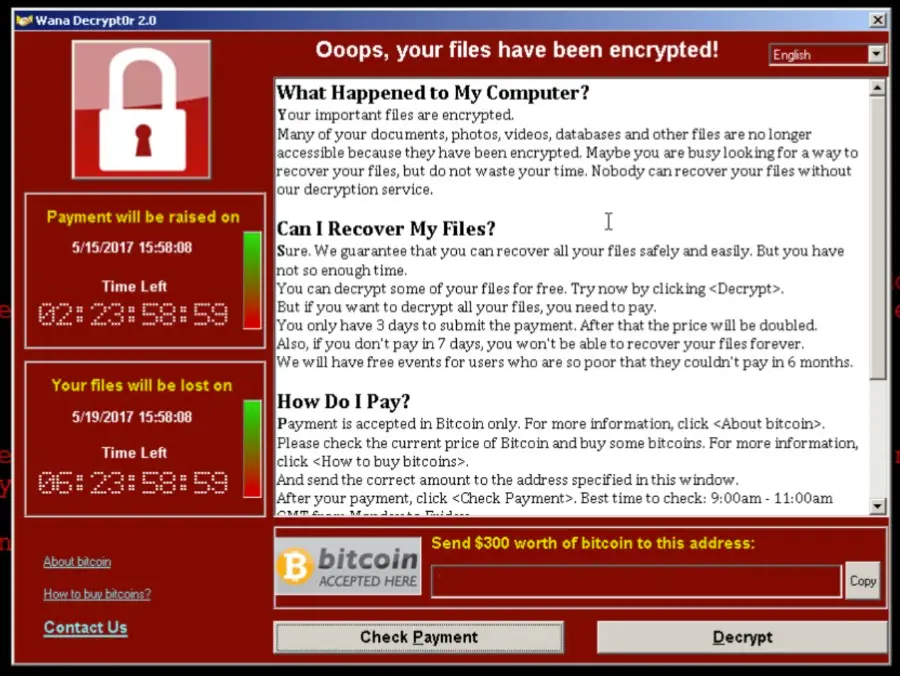
A major cyberattack took the world by storm Friday, hitting 150 countries and affecting 200,000 computers and over 20 hospitals in the U.K. This attack serves as a major wakeup call to both companies and consumers that securing systems and devices is vital. Although this incident should prompt immediate action in increasing security measures, if history repeats itself, it will not. An article on MorningStar goes into detail on why this massive cyberattack will not be enough to convince people to care about their online security.
A study conducted by Pew Research Center in January discovered that even though there are more people than ever before at risk of being hacked, most individuals are still not taking simple security precautions to protect themselves.
“Nearly 30% of smartphone users don’t even use a lock screen password on their phone. Some 54% of internet users have accessed public Wi-Fi networks, which put them at risk of being hacked — and one in five of those users admit to using a public network for sensitive services like banking.”
In looking at password practices, the Pew study also found that 25% of respondents are using passwords that they feel are not necessarily secure, simply because they are easy to remember. A report from the security provider SplashData found that the passwords “123456” and “password” remain at the top of the list for passwords posted on hacker forums for the second year in a row.
Easy-to-guess passwords play a major role in whether or not a hacker can gain access to your personal information, especially when accessing email accounts.
Once a hacker has access to an email account, they can potentially find a victim’s personal information and location and get into their bank account.”
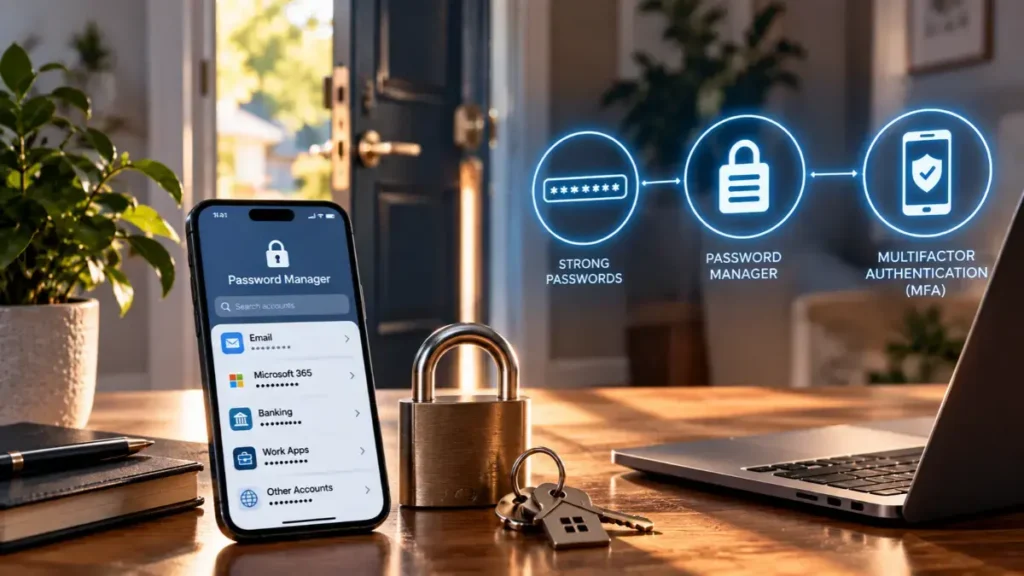
How can you ensure your password is secure? Security experts recommend using complex passwords made up of eight or more characters, mixing upper and lowercase letters. Some additional password protecting tips include: do not share your password with others and ensure you are using unique passwords for all of your online accounts.
41% of adults who use the internet have shared the password to one or more accounts with a friend or family member and 39% say they use the same or similar passwords for many online accounts.”
Although cybercrime is on the rise and awareness of the risks associated with being hacked have also increased, people continue to practice negligent security habits. Nearly two-thirds of internet users have fallen victim to some form of hacking. For example, the Yahoo! breach of user email accounts affected over 1 million users and the 2015 hack of the U.S. government affected countless individuals.
It’s not surprising that so many people have experienced these data breaches, but what we don’t see yet is whether that is necessarily translating into better security practices.”
-Michael Kaiser, Executive Director of the National Cyber Security Alliance
Additional statistics
69% of Americans say they don’t worry about the security of their online passwords
62% of Americans feel the government is at least somewhat prepared to combat cyberattacks
61% of Americans believe businesses are equipped to do combat cyberattacks
Although a large majority of Americans are not concerned about the security of their online passwords, internet users seem to be making some progress in securing their accounts, with 52% now using some form of two-factor authentication.
Kaiser points out that the progress internet users are making in protecting their accounts is a positive sign, however the percentage of individuals adopting this practice is still significantly lower than his organization believes they should be. Kaiser also stresses the importance of adopting strong authentication practices for accounts across the board, not just gateway accounts such as email.